
Immersive Content and VR for Education: 3 Key Approaches to Know
Immersive technologies offer new ways to experience, explore and learn from real and virtual environments. In education and research, they can help learners understand complex spaces, explore places that may be difficult to access, and practise skills in realistic or simulated situations. However, not all immersive content is created in the same way. Some approaches capture real environments, while others reconstruct them in 3D or build entirely virtual spaces with specific interactions and learning activities.
Gaussian Splatting, 360° Video and Interactive 3D: What’s the Difference, and What Does It Have to Do with VR?
There are several ways to create immersive content, each with its own production methods, capabilities and limitations. 360° video captures real environments as spherical imagery, allowing viewers to look around from a fixed camera position. Gaussian splatting uses captured images to create a navigable 3D representation of a real environment. Interactive 3D environments, by contrast, are typically developed using 3D modelling and software platforms such as Unreal Engine or Unity, allowing specific interactions and learning activities to be designed. The most suitable approach depends on the learning objectives, the desired level of immersion and interaction, and the time, skills and budget available.
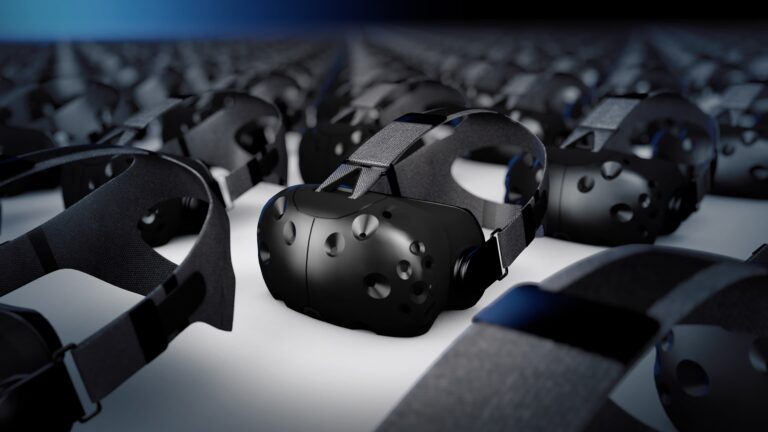
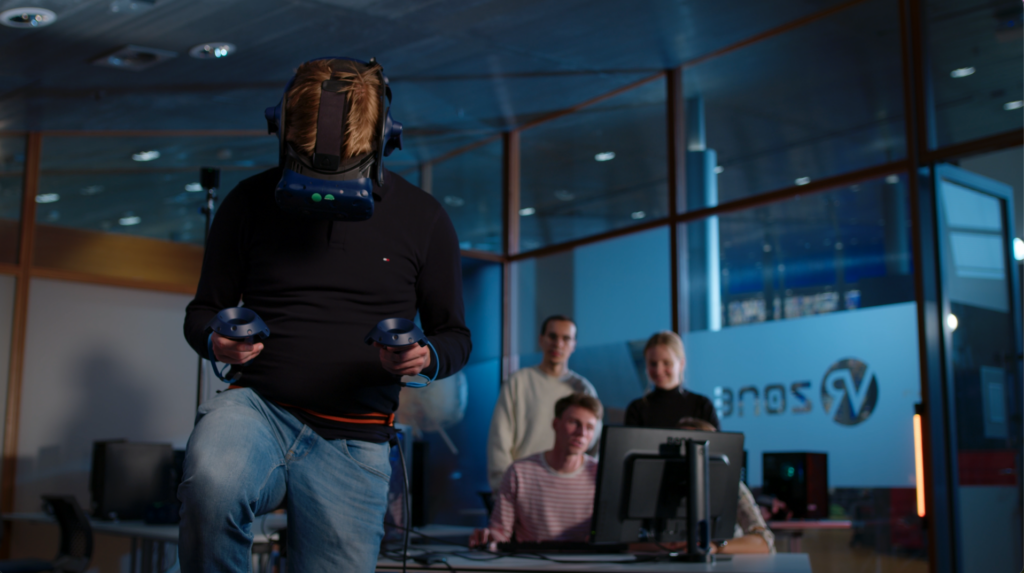
These different approaches also help explain the relationship between immersive content and virtual reality (VR). VR is not a separate content creation method, but a way of experiencing digital content through a headset. Depending on how the content is created, users might look around a real environment captured in 360° video, explore a 3D reconstruction created with Gaussian splatting, or enter an interactive 3D environment where they can manipulate objects and take part in simulations. The key difference, therefore, lies not in whether the content is experienced through VR, but in how the environment is represented and what the viewer can do within it.
360° Video
360° video captures an environment as spherical imagery, allowing the viewer to look around from a fixed camera position. It can be experienced directly on a computer or mobile device by navigating the image, or through a VR headset for a more immersive experience. Unlike a 3D reconstruction, however, the viewer cannot freely move through the captured space.
For research and education, 360° video is particularly useful for documenting and communicating real environments while preserving the visual experience of being there. It can provide an engaging way to explore a real location, but it does not create a fully navigable 3D representation of the environment. Of the three approaches, 360° video is often the most accessible to produce: with a consumer 360° camera and basic editing, educators can create and share content relatively quickly.
NMC example: Discover the microworld
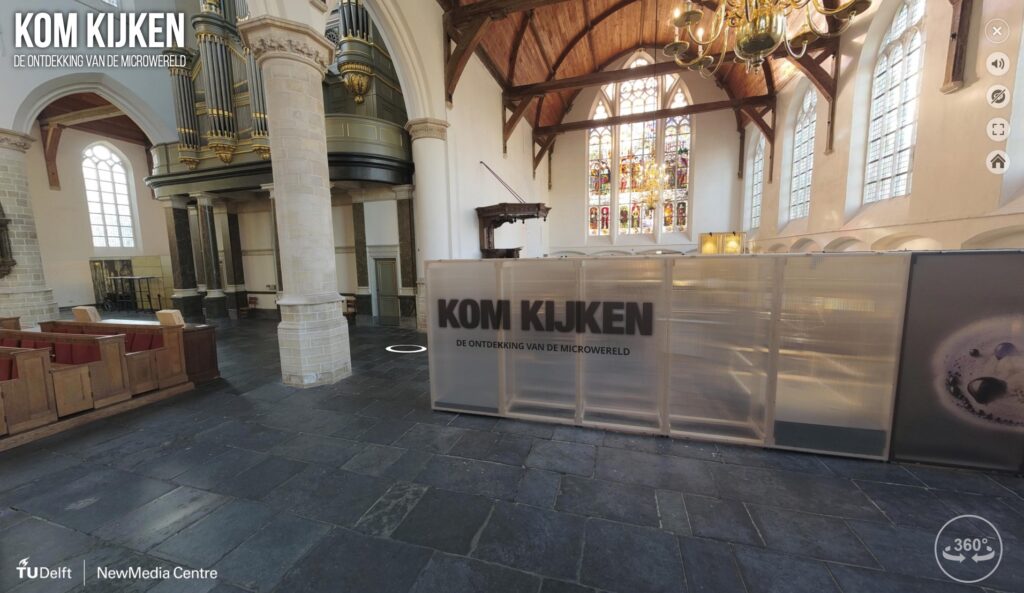
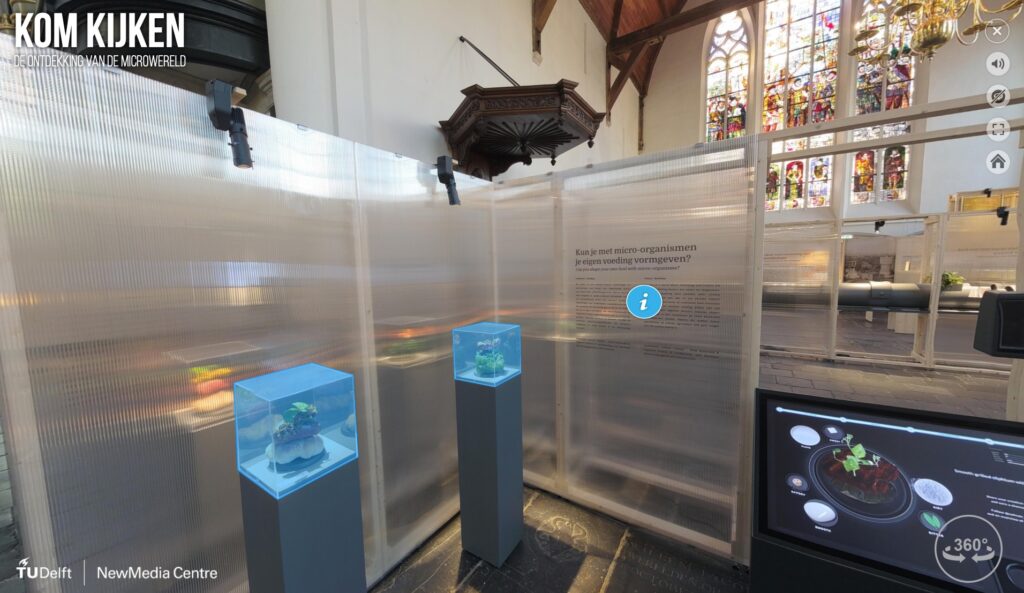
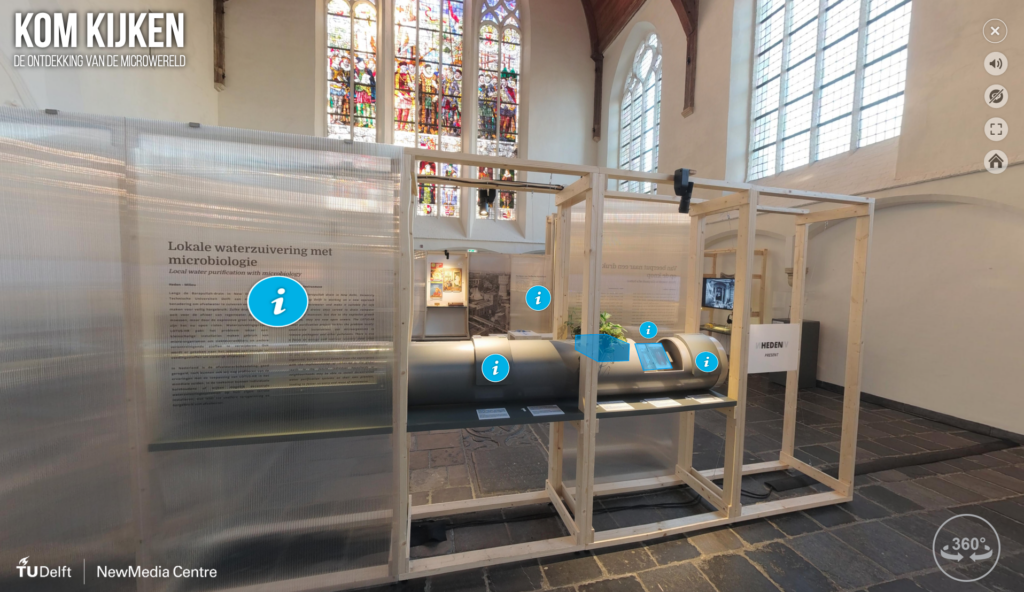
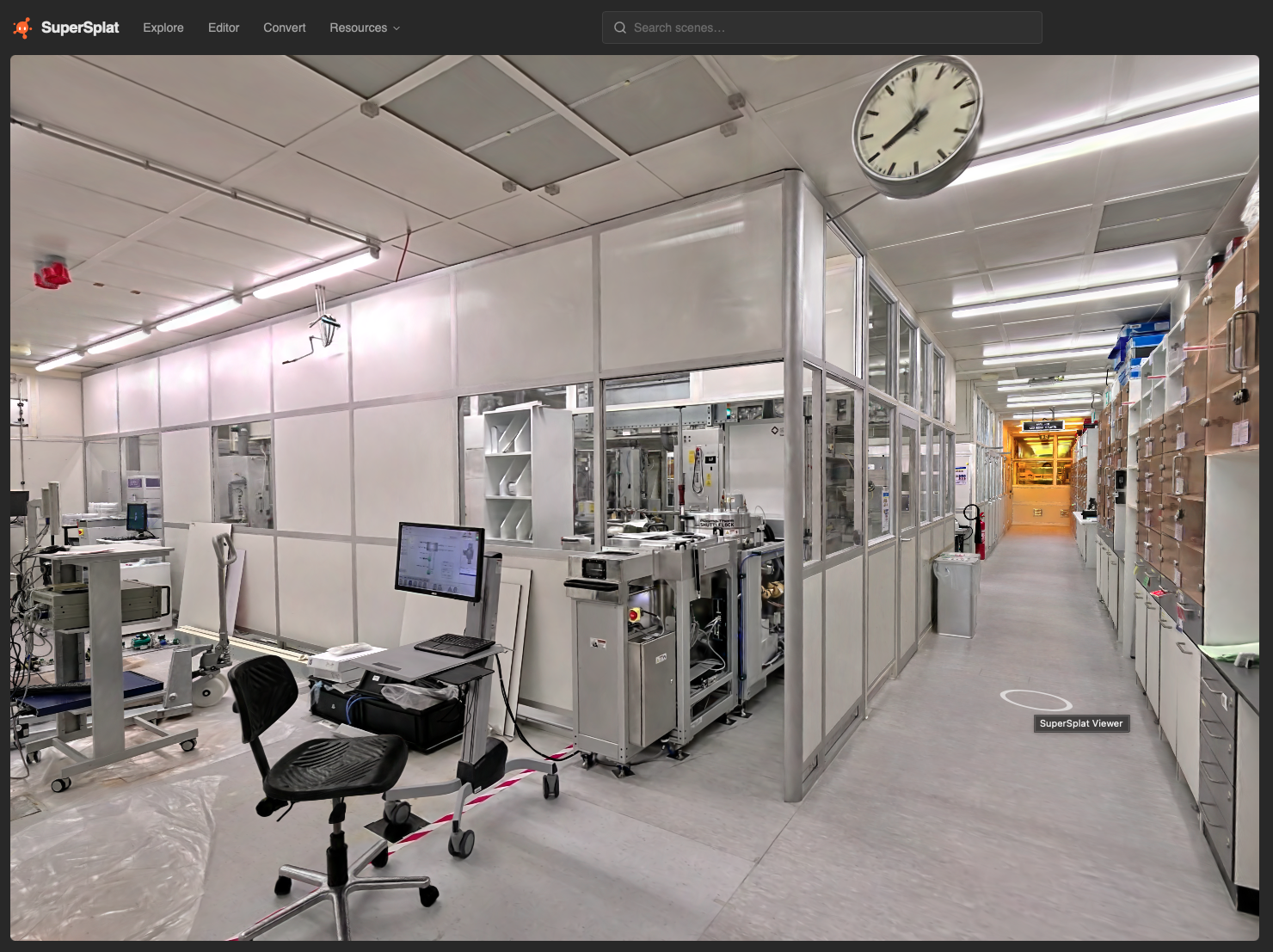
The NewMedia Centre created a digital replica of the KOM KIJKEN exhibition, De ontdekking van de microwereld, which explored microbiology in Delft, including the work and legacy of Antoni van Leeuwenhoek. The 360° virtual tour allows visitors to explore the temporary exhibition even after it has ended, making the content accessible to a wider audience and allowing people to revisit it.
Explore the virtual tour: De ontdekking van de microwereld


Gaussian Splatting
Gaussian splatting creates a viewable 3D representation of a real environment from captured images, using many 3D Gaussian elements to reconstruct how the scene looks from different viewpoints. Like 360° video, it can be explored on a computer and experienced through a VR headset. Unlike 360° video, it allows viewers to navigate through the reconstructed scene rather than simply look around from a fixed viewpoint. However, navigation is constrained by the captured scene, and visual quality can deteriorate at viewpoints that are not sufficiently represented in the source images.
Gaussian splatting also differs from a conventional 3D model. A traditional 3D model is built from geometric objects, meshes, materials and textures, whereas a Gaussian splat primarily represents the captured appearance of a real environment. While it can realistically reproduce the look of a physical place, additional interactive functionality can be added through software, depending on the type of interaction required.
Creating a Gaussian splat generally takes more effort than producing 360° video, as it requires careful image capture and processing. However, increasingly user-friendly tools are making it a practical option for educational use, particularly when the aim is to explore real environments from different viewpoints.
NMC example: TU Delft Cleanroom
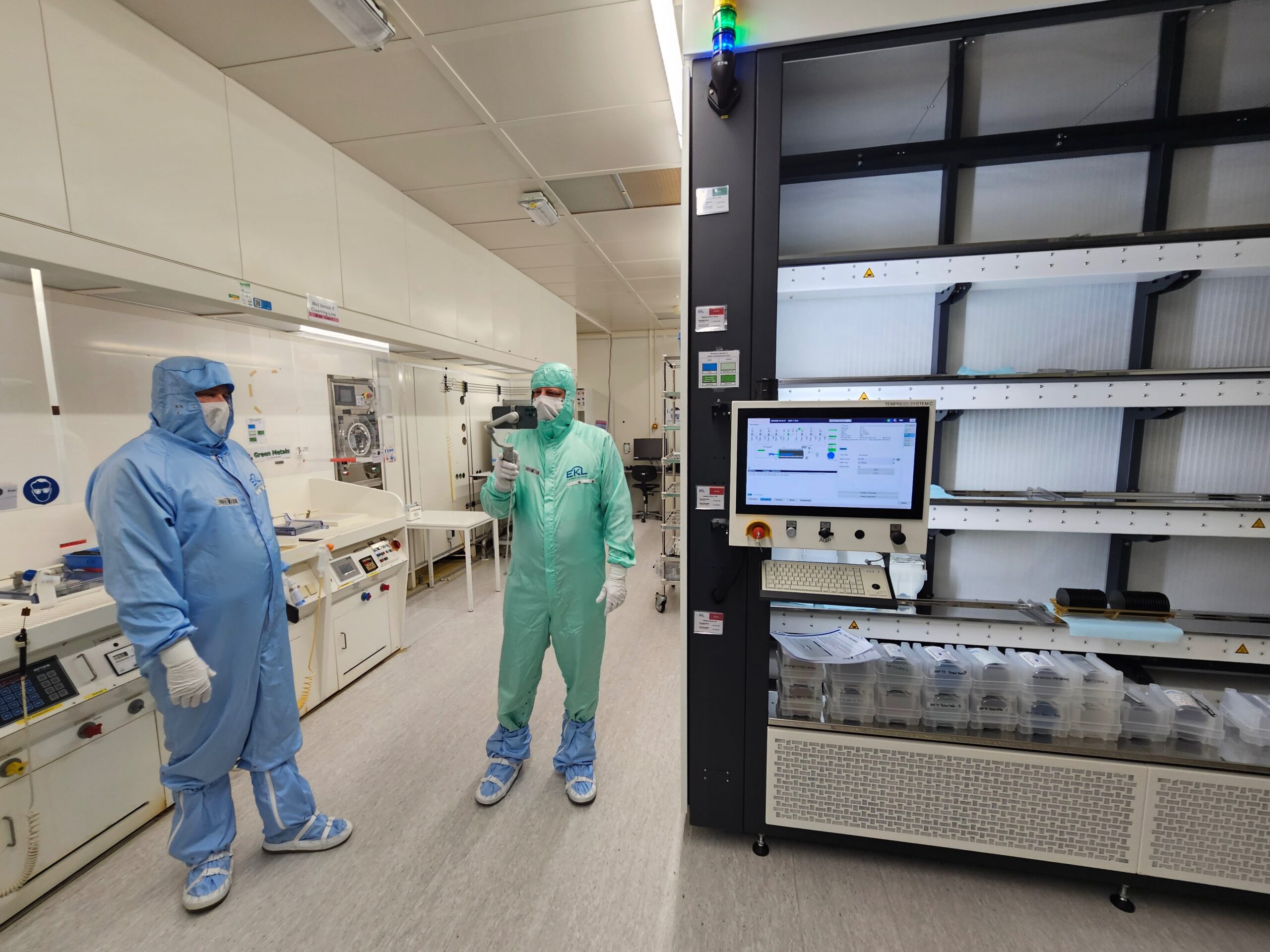
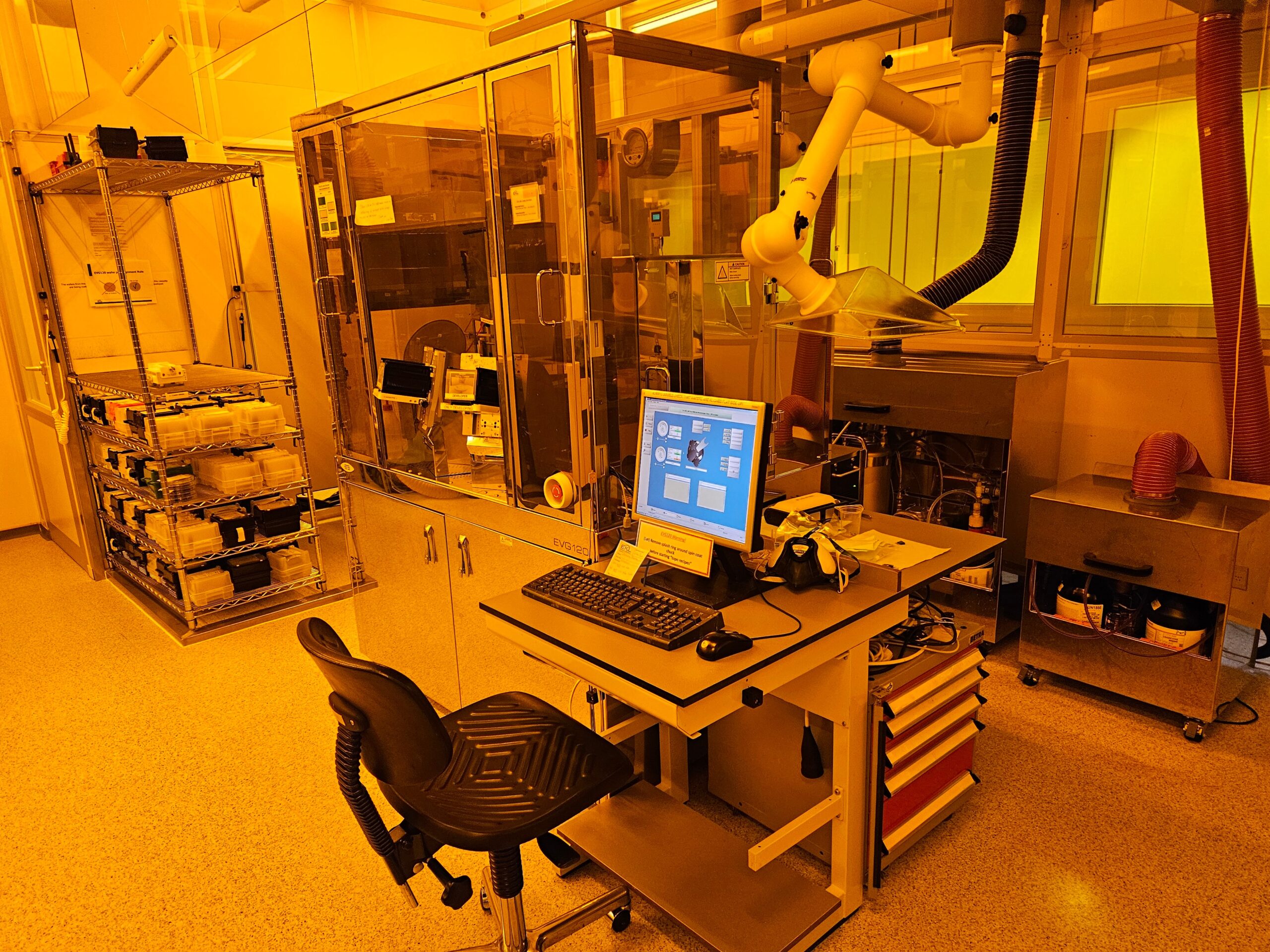
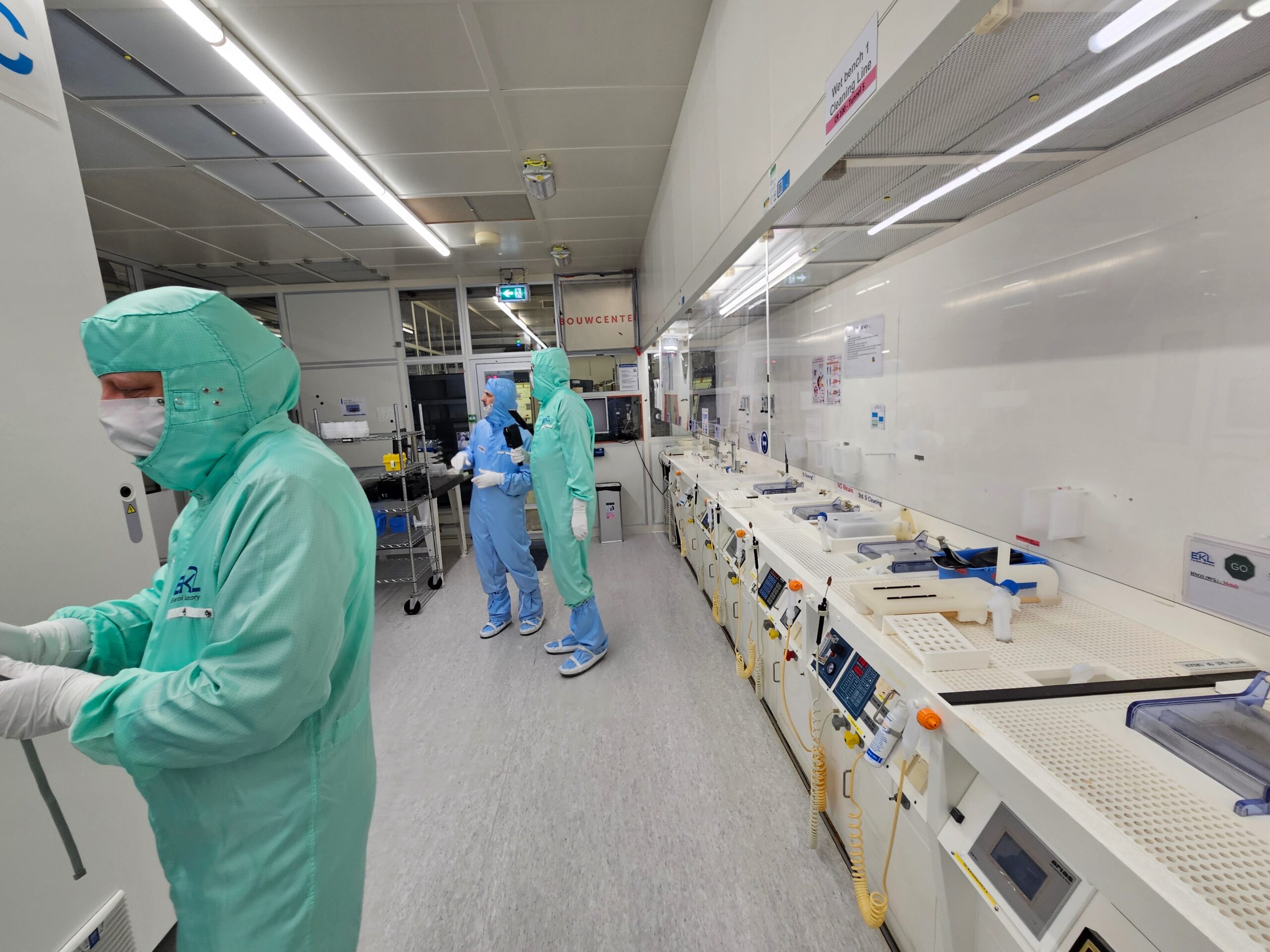
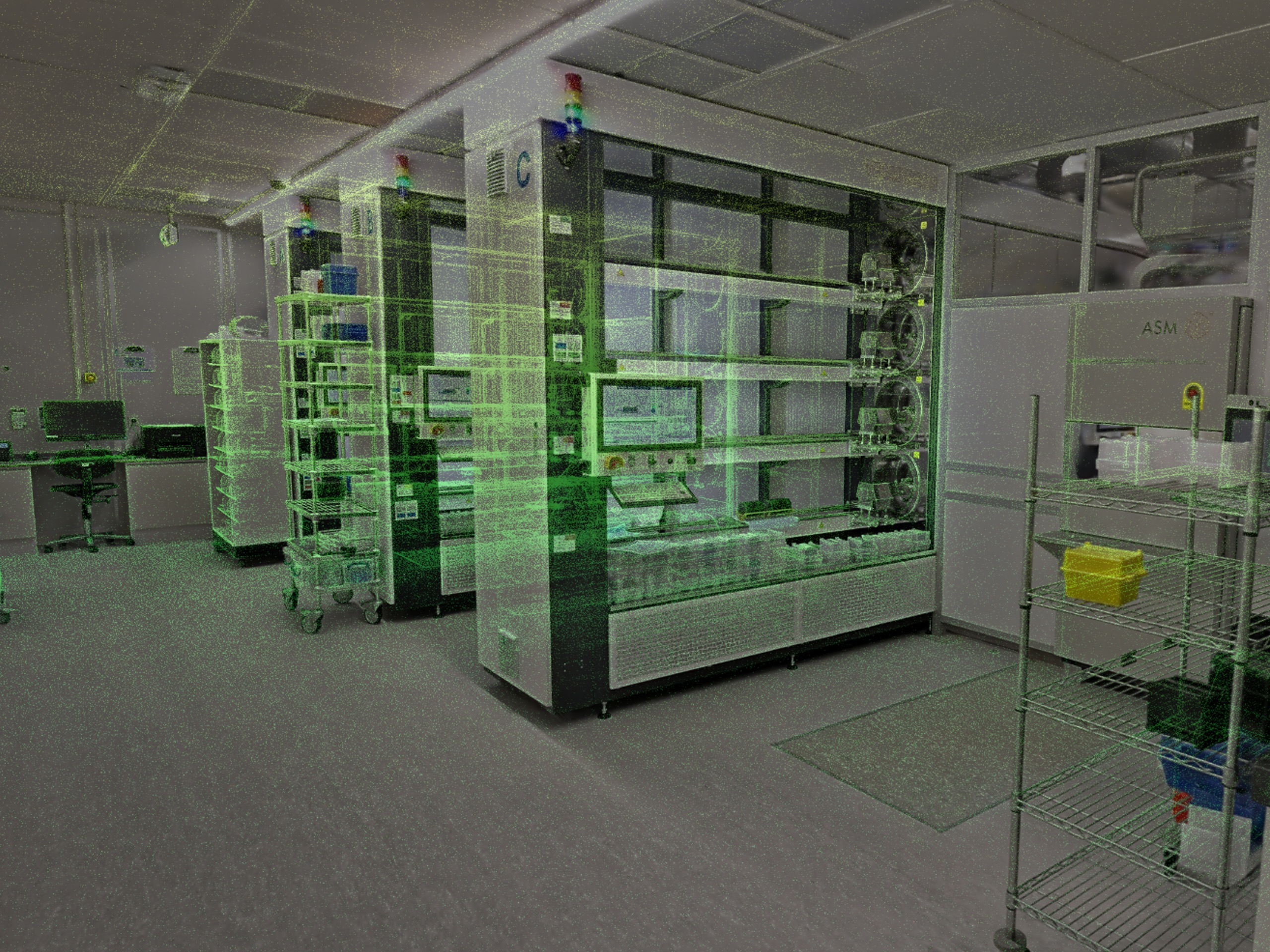
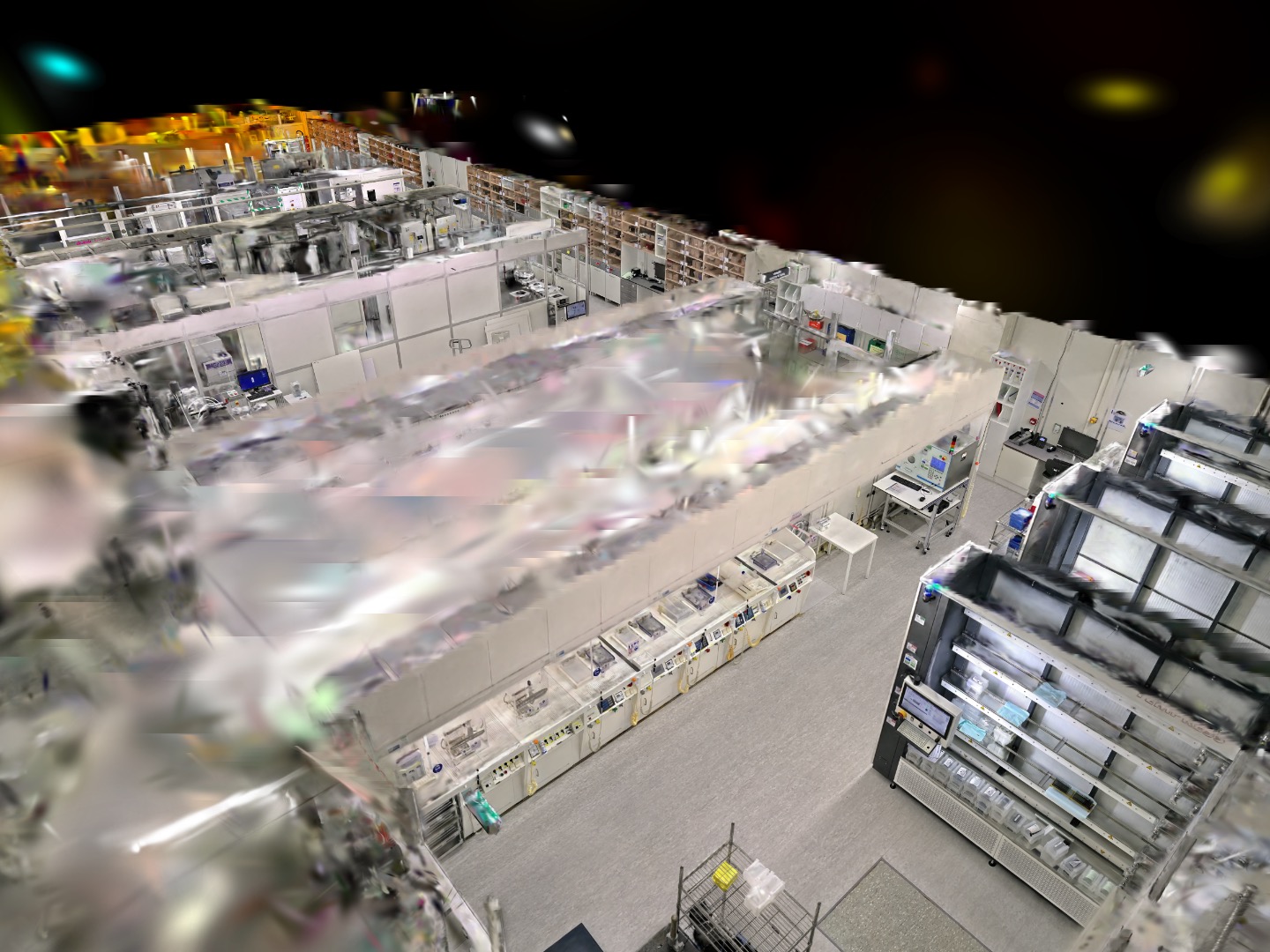
The NewMedia Centre has also experimented with Gaussian splatting to capture one of TU Delft’s cleanrooms. The cleanroom was scanned in a single 23-minute walk-through using the XGRIDS PortalCam, combining LiDAR for depth information with fisheye cameras to capture visual detail. The resulting model was then processed locally on a PC in the NMC Media Lab, creating a navigable digital representation of the space.
Explore the TU Delft Cleanroom Gaussian Splatting project


Interactive 3D Environments
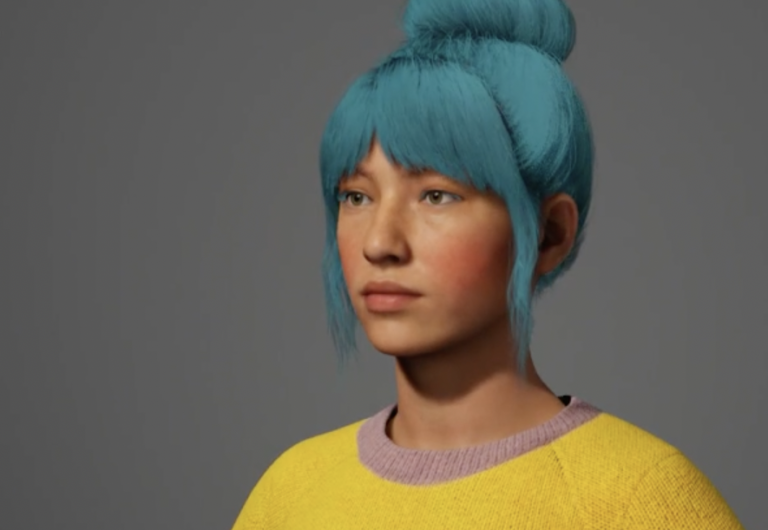
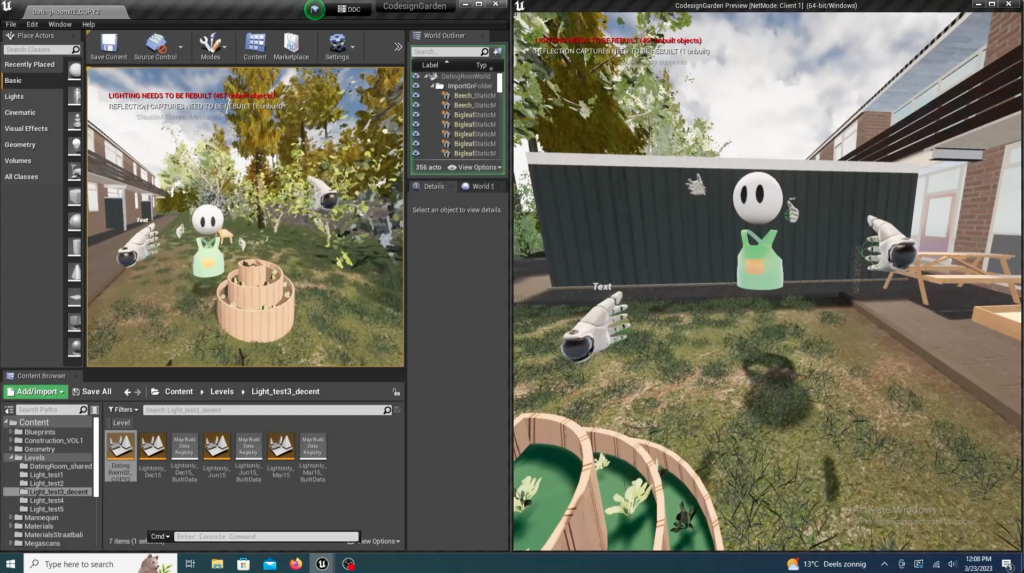
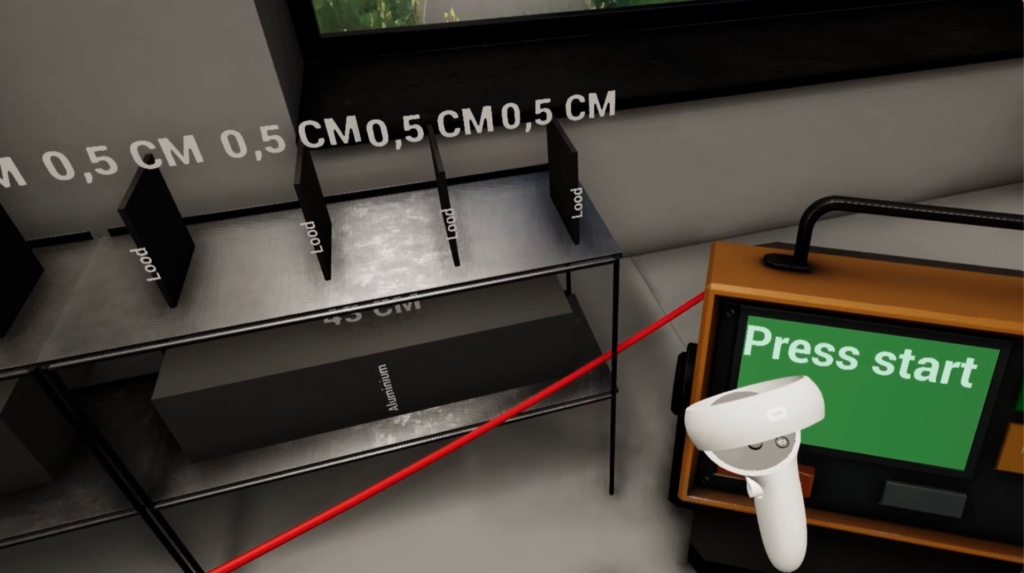
Interactive 3D environments are virtual spaces built to allow users to explore and interact with objects or elements within the environment. They are typically created using 3D modelling and developed in platforms such as Unreal Engine or Unity. Users can move through a space, manipulate objects, operate equipment or participate in simulations, making these environments particularly useful for hands-on learning.
Unlike 360° video and Gaussian splatting, which are commonly used to capture and represent real places, interactive 3D environments allow the environment and its behaviour to be designed around specific learning objectives. For example, learners can practise procedures, test different scenarios or explore situations that would be difficult, costly or unsafe to recreate in real life.
These environments can be experienced on a computer or through a VR headset. Their development can require substantial 3D modelling, programming and testing, depending on the visual detail, functionality and intended level of interaction. However, the amount of work involved varies considerably: not every interactive environment requires highly detailed models or complex functionality.
NMC example: VR Maritime
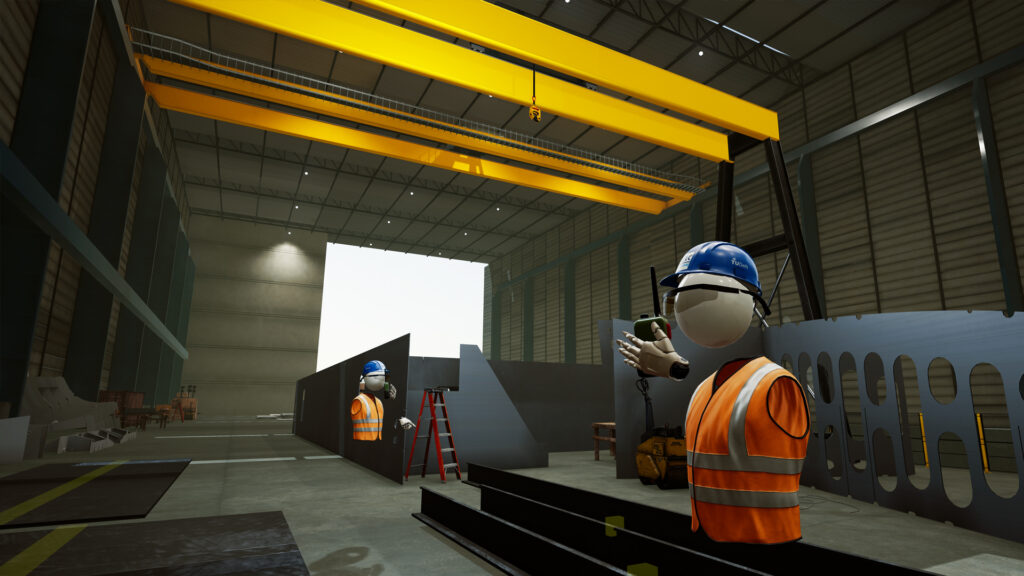
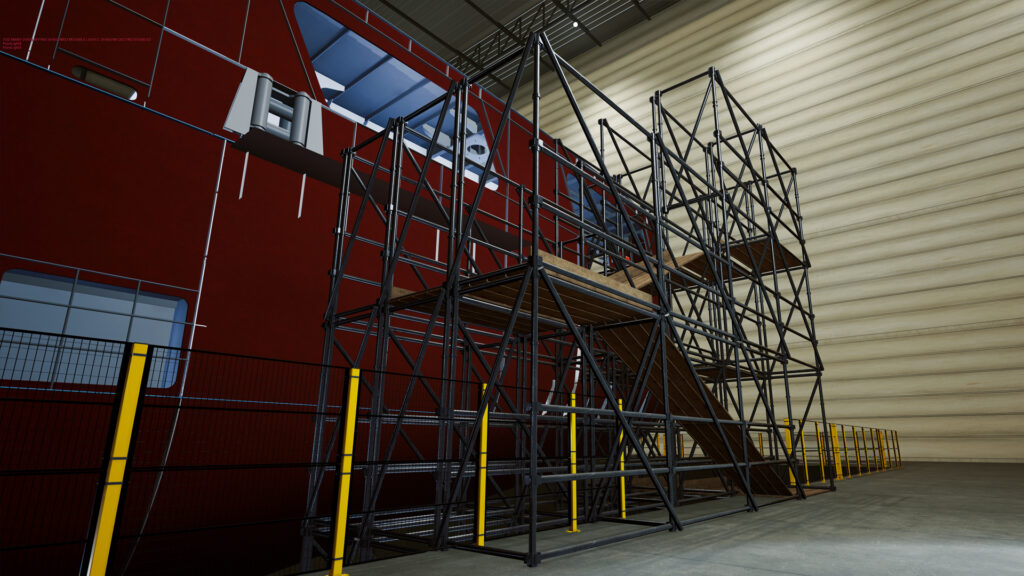
For TU Delft’s Faculty of Mechanical, Maritime and Materials Engineering (3mE), the NewMedia Centre created a multiplayer VR environment in which students can practise ship assembly and logistics operations. Students work together in a virtual shipyard, identifying and locating parts, transporting them and assembling a ship’s hull using a crane. The environment was created in 3D using Unreal Engine and optimised for VR, with multiplayer functionality and virtual walkie-talkies supporting teamwork and communication.
Explore the VR Maritime project


Choosing the Right Approach for Education
Each approach offers different possibilities for teaching, learning and research. 360° video is well suited to providing an accessible visual experience of a real place. Gaussian splatting enables viewers to explore a reconstructed environment from multiple viewpoints. Interactive 3D environments offer greater flexibility for designing specific interactions, practising procedures and simulating scenarios.
The right choice depends on what learners need to experience or achieve. If the priority is to show what a real place looks like, 360° video may be sufficient. If learners need to explore a real environment from different viewpoints, Gaussian splatting may be more appropriate. If the learning objective requires manipulating objects, making decisions or practising tasks, an interactive 3D environment may be the better option. VR can support any of these approaches when a headset-based experience adds value to the learning activity.
NMC: Your Partner in Creating Immersive Learning Experiences
Choosing the right technology is only the first step. At TU Delft’s NewMedia Centre (NMC), we work with educators and researchers to identify the educational goal first and then determine which immersive approach best supports it. Depending on the learning needs, this could mean creating a 360° virtual tour, reconstructing a real environment with Gaussian splatting, developing an interactive 3D experience, or combining several approaches.
The aim is not simply to use immersive technology, but to create an experience that serves a clear educational purpose. NMC can support you in translating your learning objectives into an appropriate concept, choosing the right technology and developing the resulting experience.
Have an idea for an immersive learning experience? Talk to NMC about your educational needs and explore what approach could work best for your project.
Read more stories:

Workflow for Research Grants – From Idea to Funding
Do you know how to transform your research idea into a funded project? To demystify the process, the NMC Graphics team at TU Delft designed a clear, step-by-step infographic outlining every phase of grant applications—from finding funding and consulting support to drafting, submitting, and following up. Developed in collaboration with stakeholders, and available in print and web formats, this guide uses color, icons, and layout to guide researchers through institutional workflows and reduce administrative uncertainty.
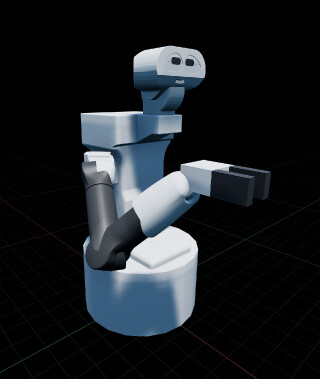
Supermarket Robot: Designing Socially Embedded Service Robots in Virtual Reality
What happens when a robot helps you shop? This question shaped a groundbreaking project led by Dr. Marco Rozendaal, where VR simulations in a supermarket explored how people and robots interact in public spaces. By blending design, theatre, and puppeteering, the research revealed how robots can earn trust and acceptance—not through perfect programming, but by designing behaviors that feel meaningful and socially appropriate.
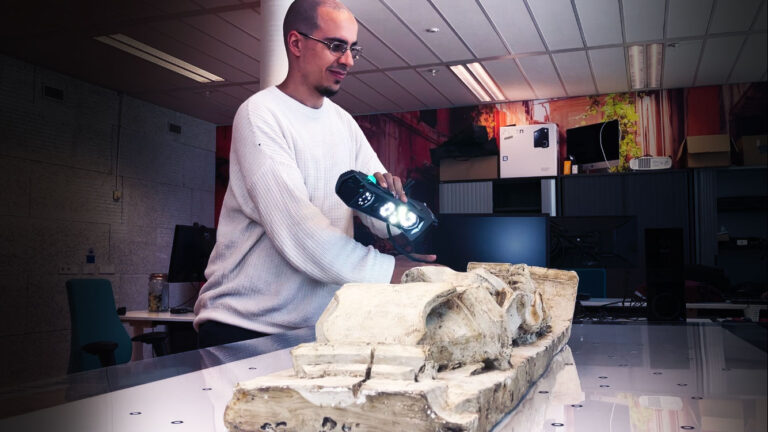
3D Scanner
The Media Lab is developing a 3D scanning service using the Creaform Go Scan, testing workflows and creating user-friendly instructions. The scanner captures detailed models of objects, while a new application will automate optimization and export to formats like glTF and FBX for various applications.