

PV-Lab
The availability of the physical University Labs may be limited due to its capacity or other factors, like the mandatory requirement to work from home during the pandemic peaks. TU Delft had a goal to increase the capacity and extend the availability of the physical Photovoltaic Lab.
To still provide a sustainable and uninterrupted access to learning, the NewMedia Centre together with a research group Photovoltaic Materials and Devices (PVMD) have created the Virtual PVLAB.
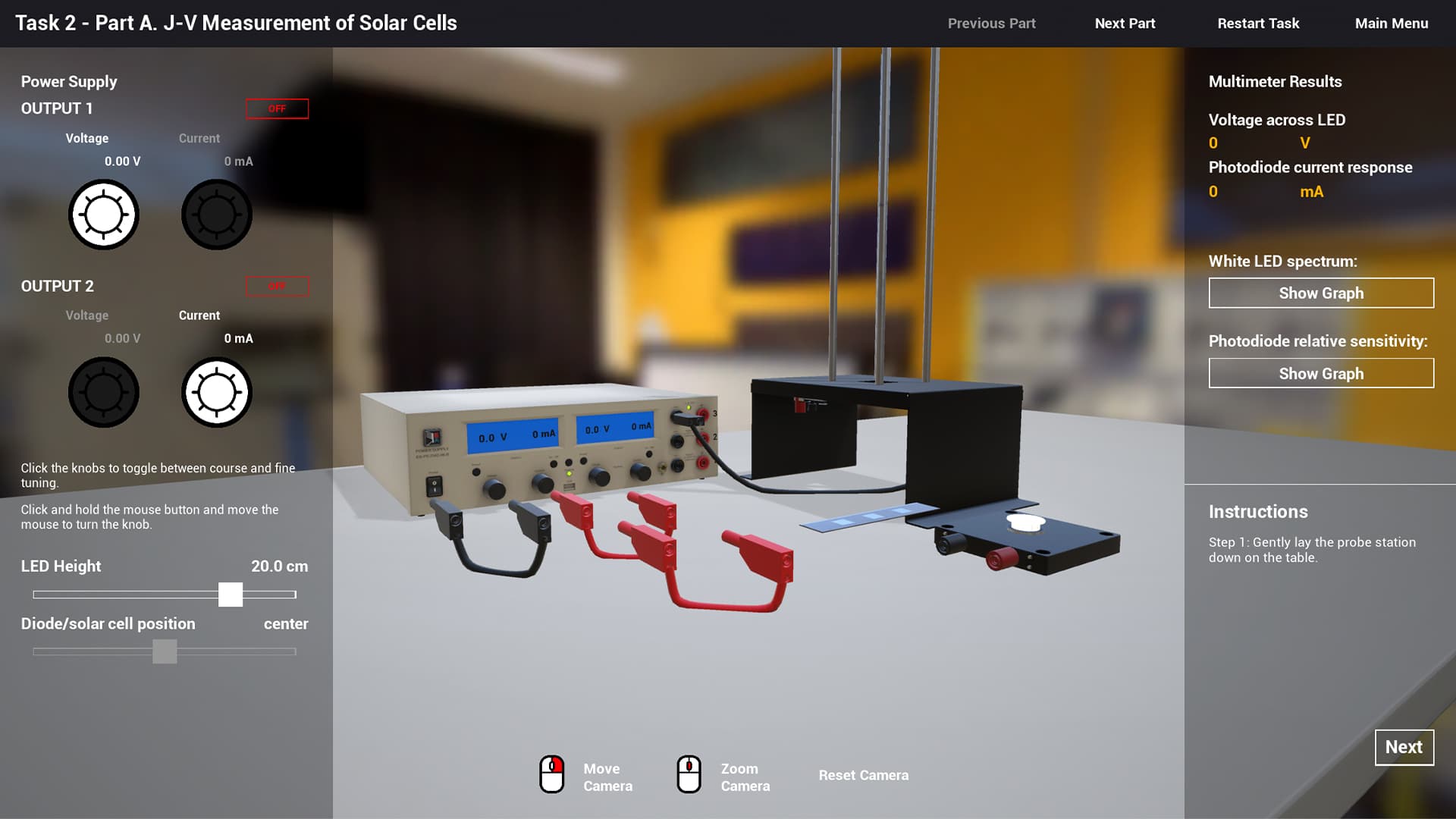
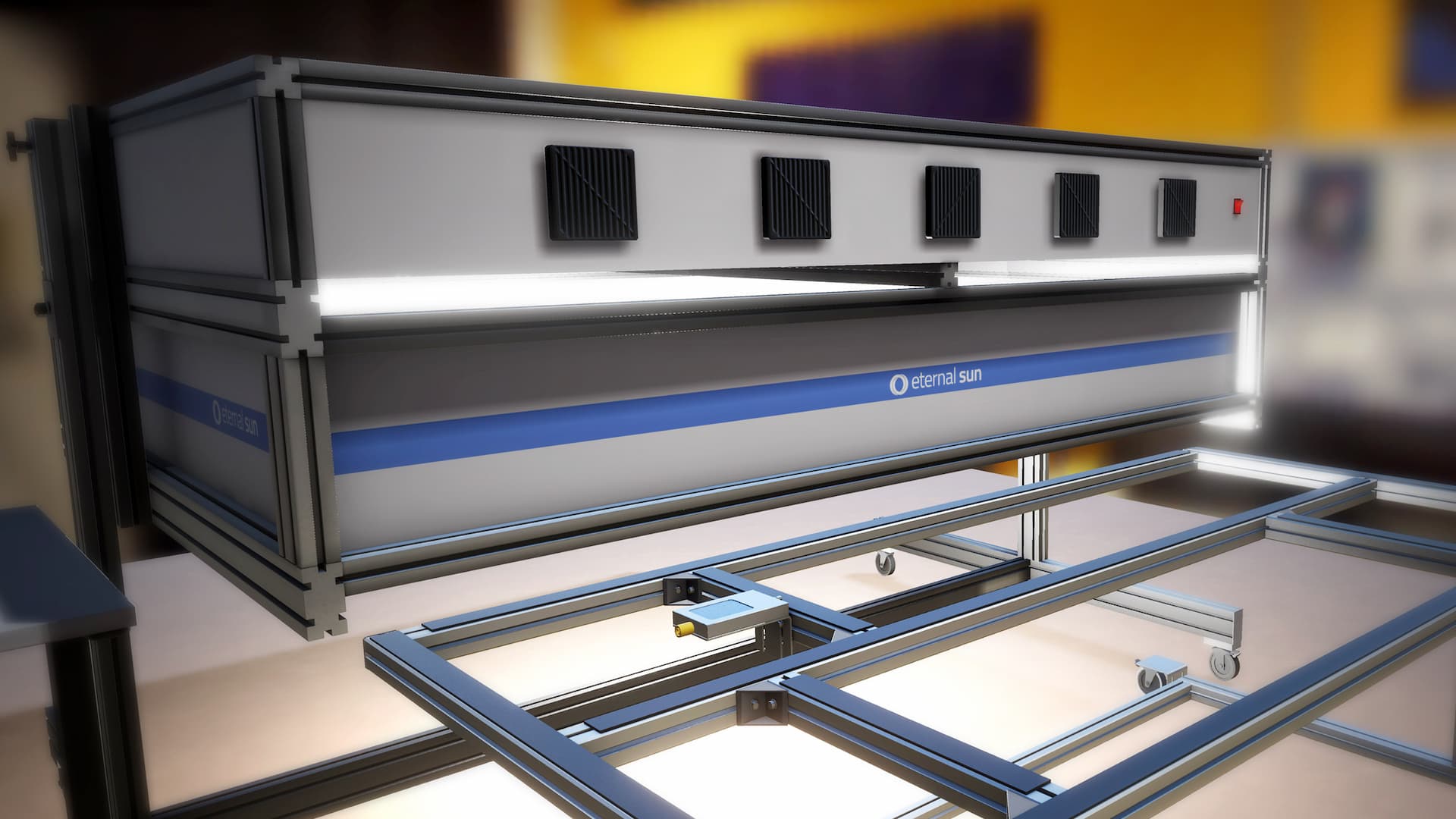
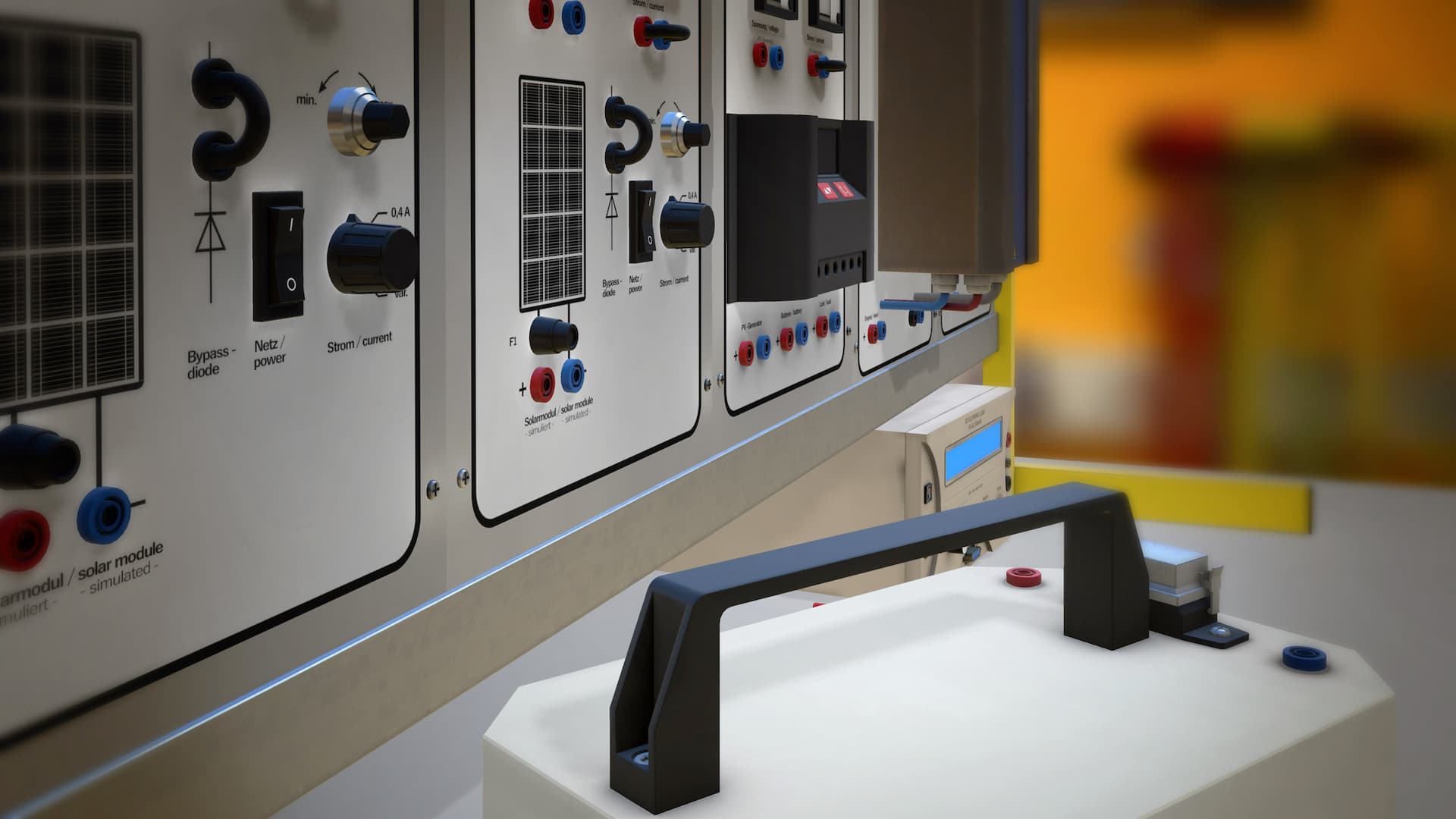
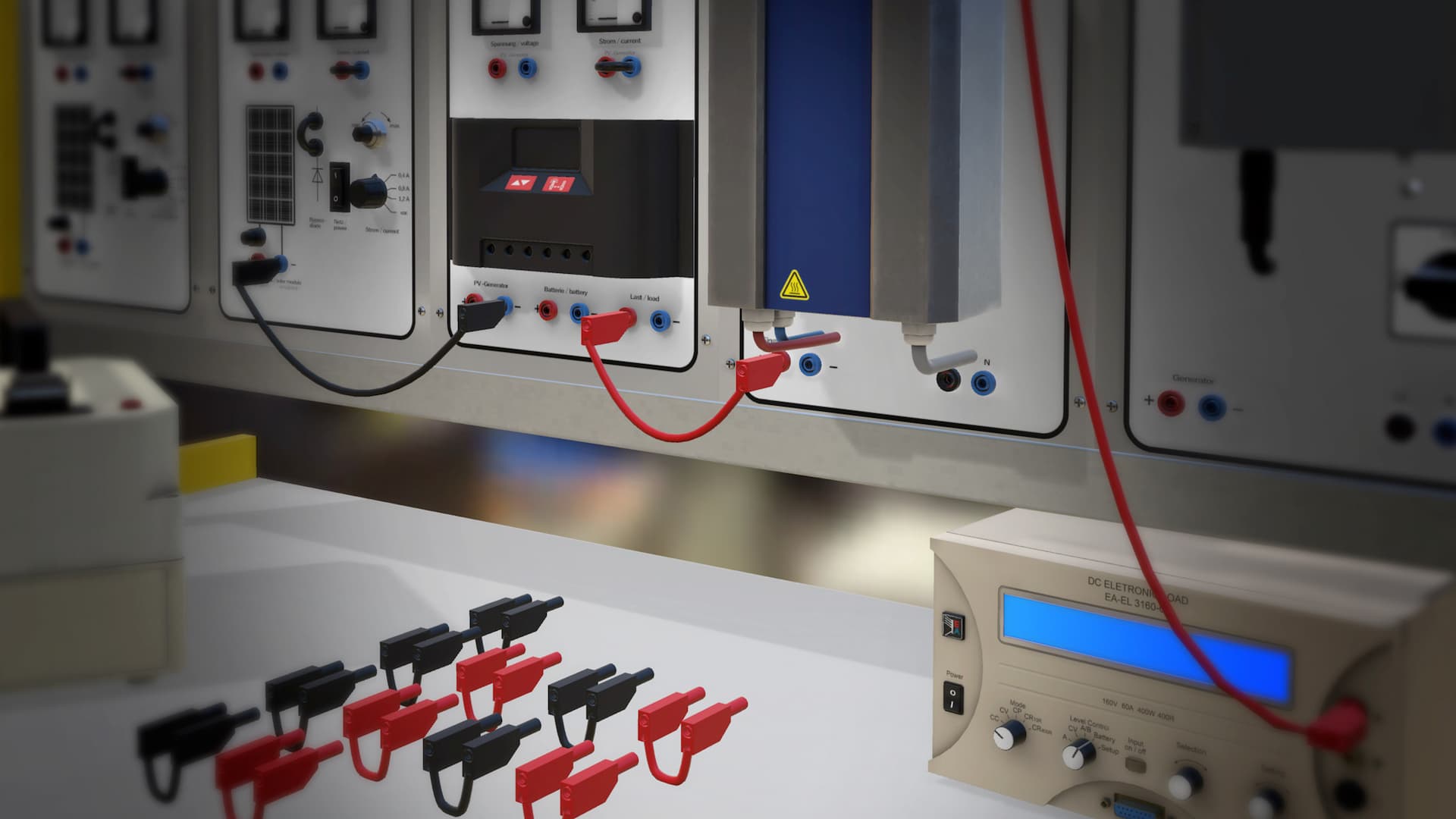
The Virtual PVLAB is the digital twin of the on-campus PV Laboratory. Each task and each piece of equipment is simulated in a 3D environment that resembles the actual PV Laboratory. The didactical approach pursued in Virtual PVLAB is the same as in its on-campus version: students access the laboratory, preemptively study from the guide and execute a certain task according to a schedule. In the virtual lab students gain practical experience, conducting experiments with light, solar cells, modules, batteries, power electronic components, and system design. They also test the impact of various realistic situations and configurations on the performance of PV systems and all their components.
“ Through practical work the students get a “hands on” experience with solar equipment, thus gaining a more pragmatic understanding of all the processes.”
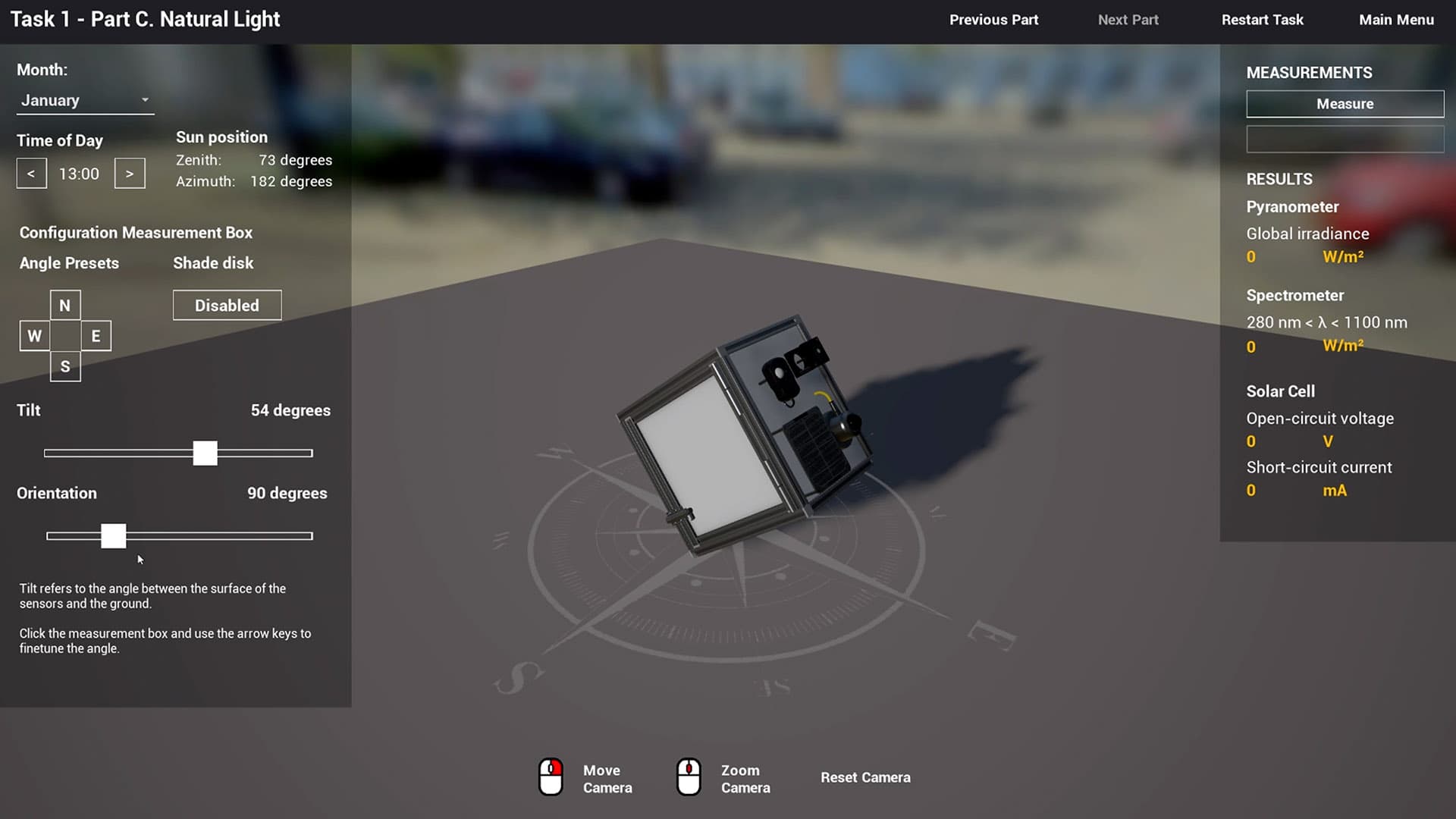
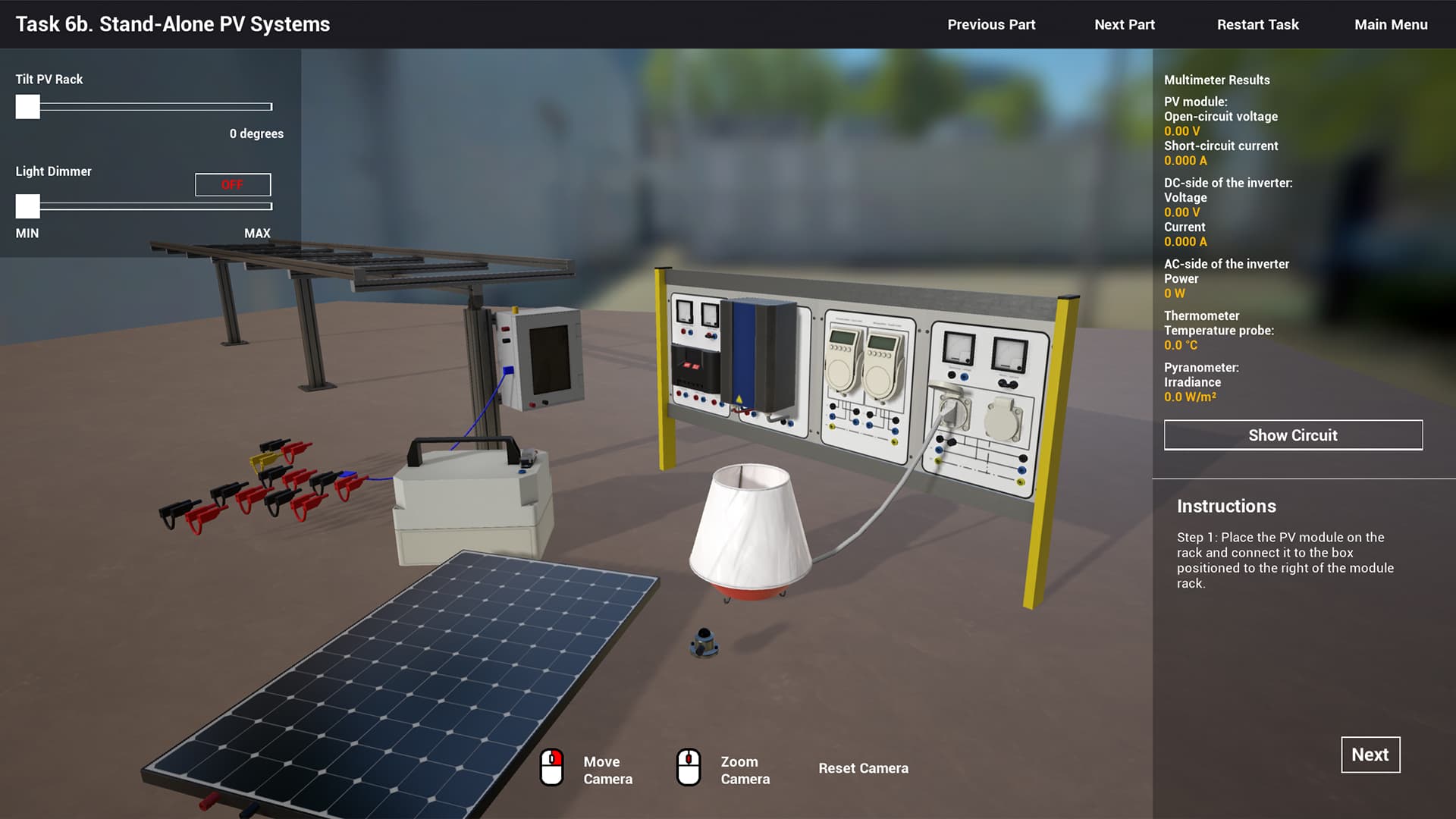
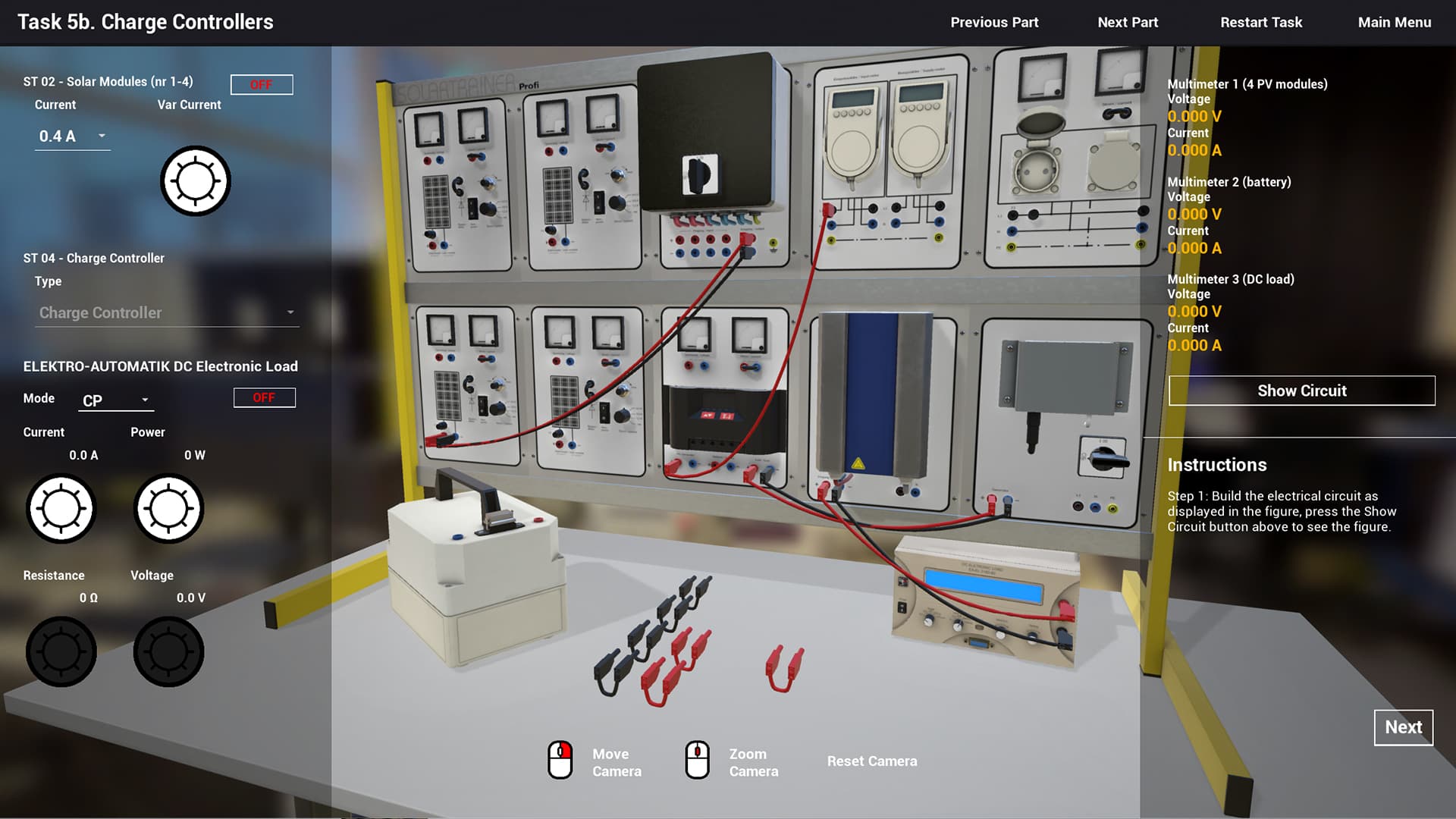
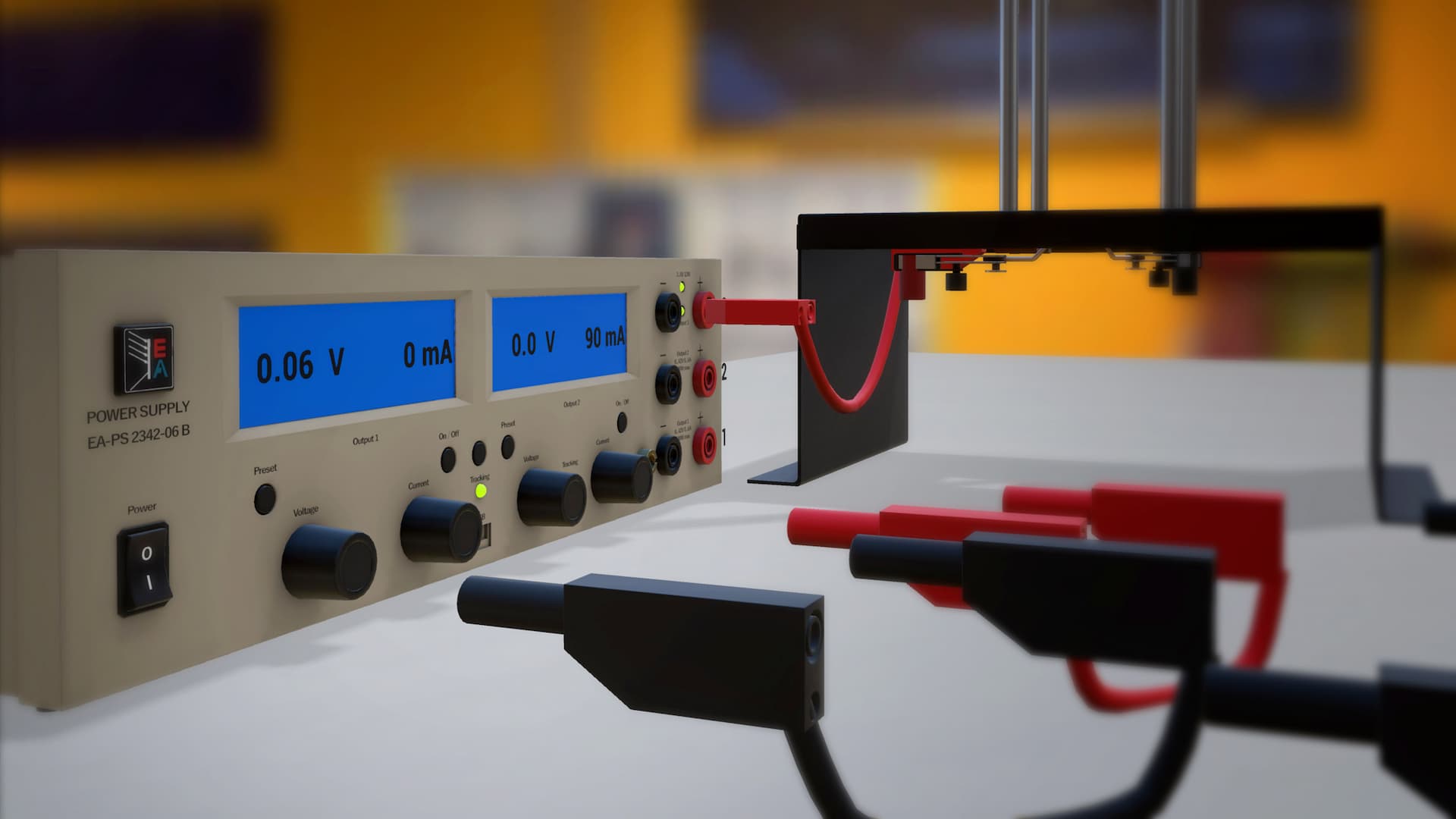
“Gameplay” images from the application
Instead of analyzing the aforementioned experiments through a mathematical representation in theory, the students can actively manipulate objects in a virtual, live setting and challenge themselves by arranging the measurement setup in a virtual lab. Through practical work the students get a “hands on” experience with solar equipment, thus gaining a more pragmatic understanding of all the processes.
The opportunity to follow this course in a virtual format also enables students to do it at any time, facilitating their study progress through the MSc programme.
How does it work?
Students can access the virtual lab through their laptops. They do not need any VR headsets, as the Web Graphics Library provides access to a 3D environment through a web browser. In order to create the web application the NewMedia Centre has used Unreal Engine to create the 3D environment and equipment, simulate the physics behind the interaction of all objects; and used WebGL to deploy the tasks on all platforms on all major browsers.
All 3D objects created by NewMedia Centre’s XR are high quality and optimized for future re-use in similar or other XR applications.
Initiative:
Prof.dr.ir. O. Isabella MSc
Faculty of Electrical Engineering, Mathematics & Computer Science
Didactics, Technical input & knowledge:
Dr. René van Swaaij
Dr.ir. R. Vismara MSc
Developer: Arend-Jan Krooneman
3D modeling: Arno Freeke – Roland van Roijen